Feature Overview
Find reports, then actually get back to them
SCP Docs brings entry points, search, and personal reading state for SCP-related material into one native iOS reader. It is built for the small moments that happen after discovery: saving a report, returning to a half-read page, and navigating a large archive without losing context.
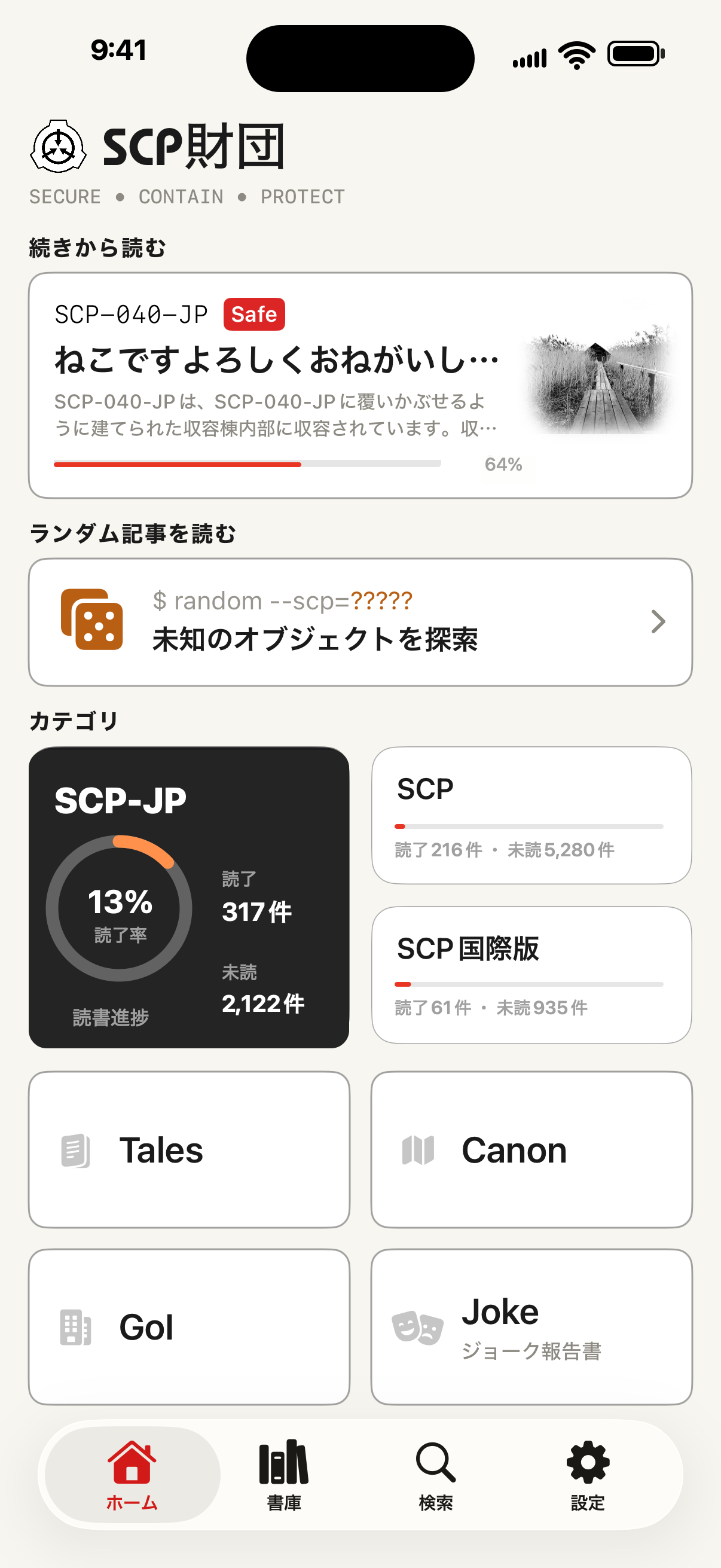
Screenshots
The interface at a glance
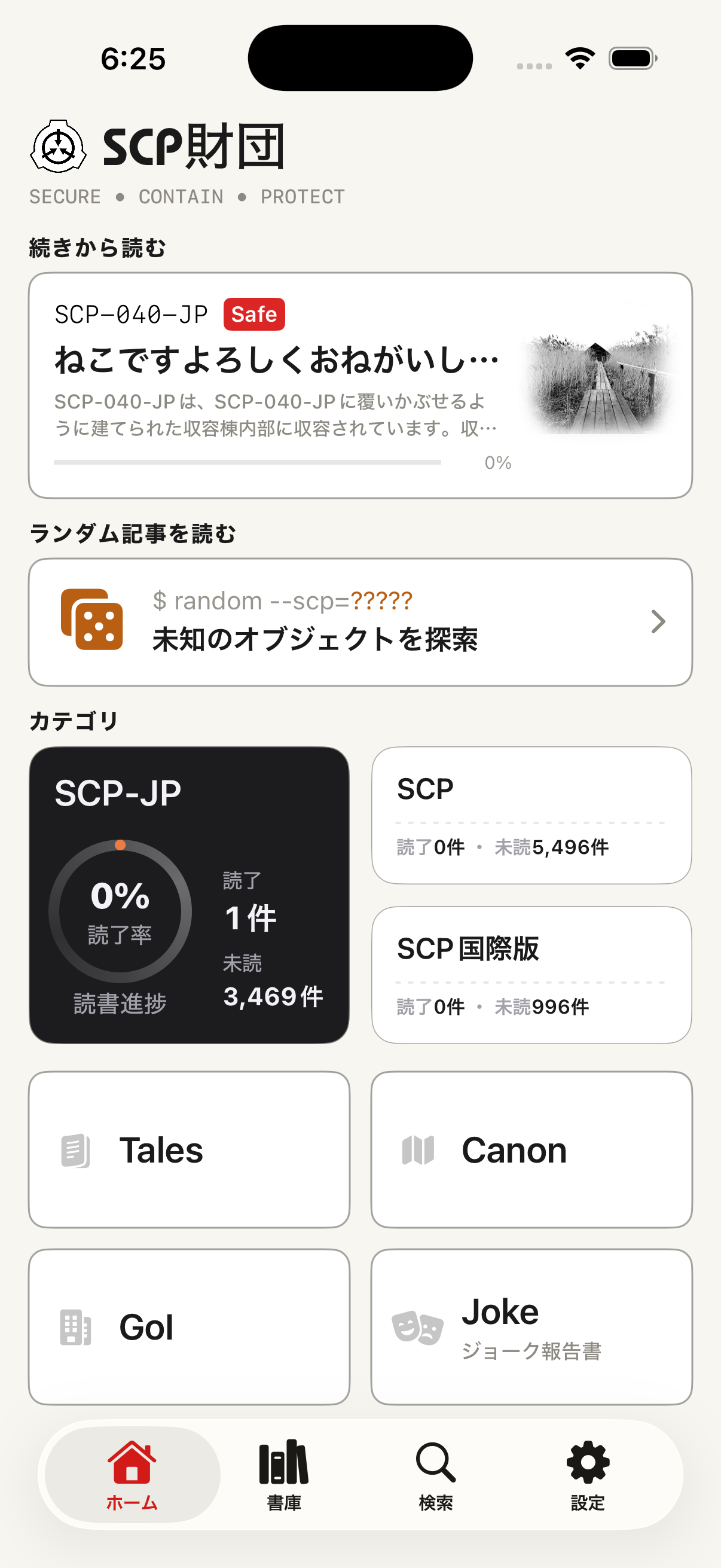
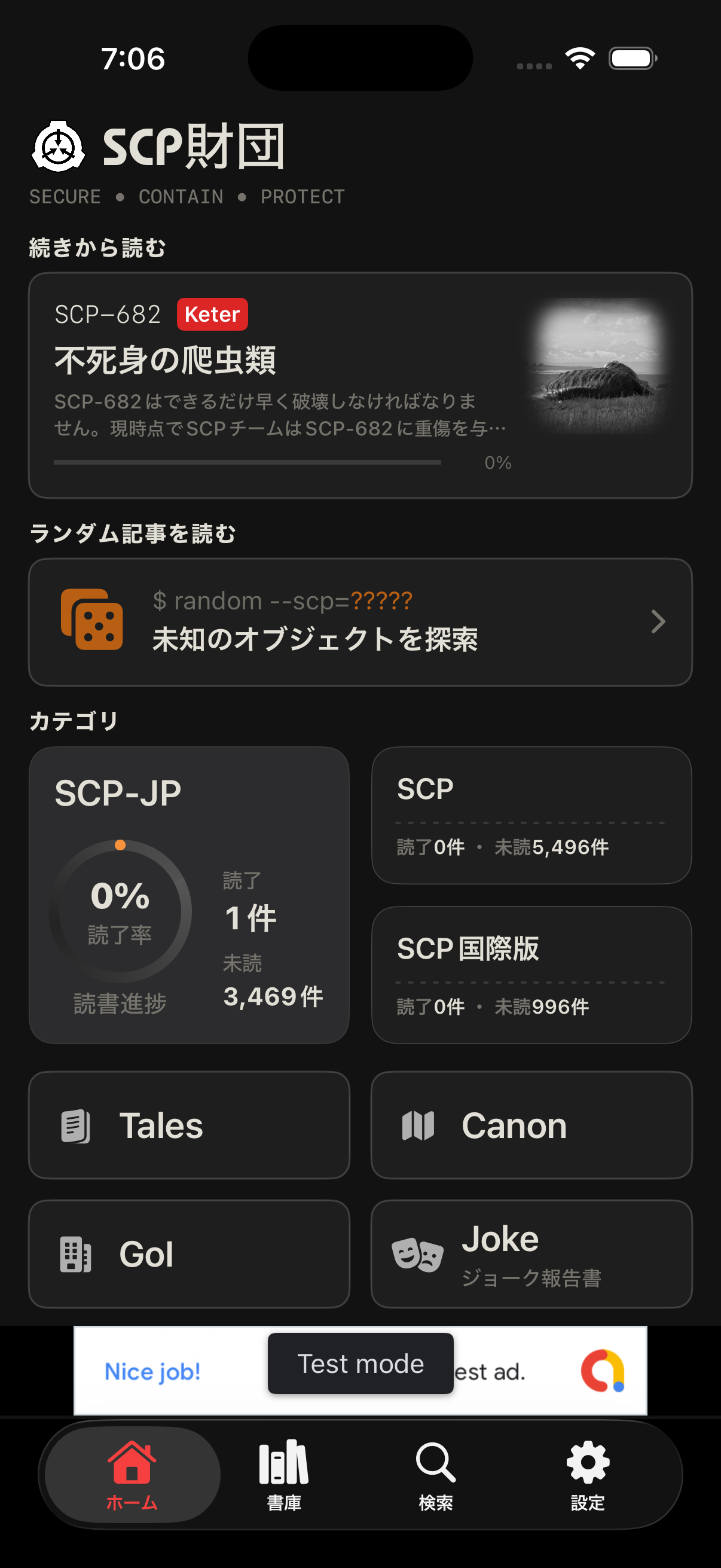
What it does
Core features
Home
Branch and category entry points
Move into SCP reports, Tales, Canon, GoI, Joke, and Japanese, English, or French branch contexts from a single starting surface.
Search
Layered archive search
Search synchronized catalog metadata with titles, tags, object class, reading state, and memo context where available.
Library
A place to return
Favorites, history, read-later, and ratings keep your path through the archive visible on your device.
Reader
A focused article view
Open source pages in an in-app reader with typography controls, theme treatment, and saved snapshots for eligible items.